Organization Tracks
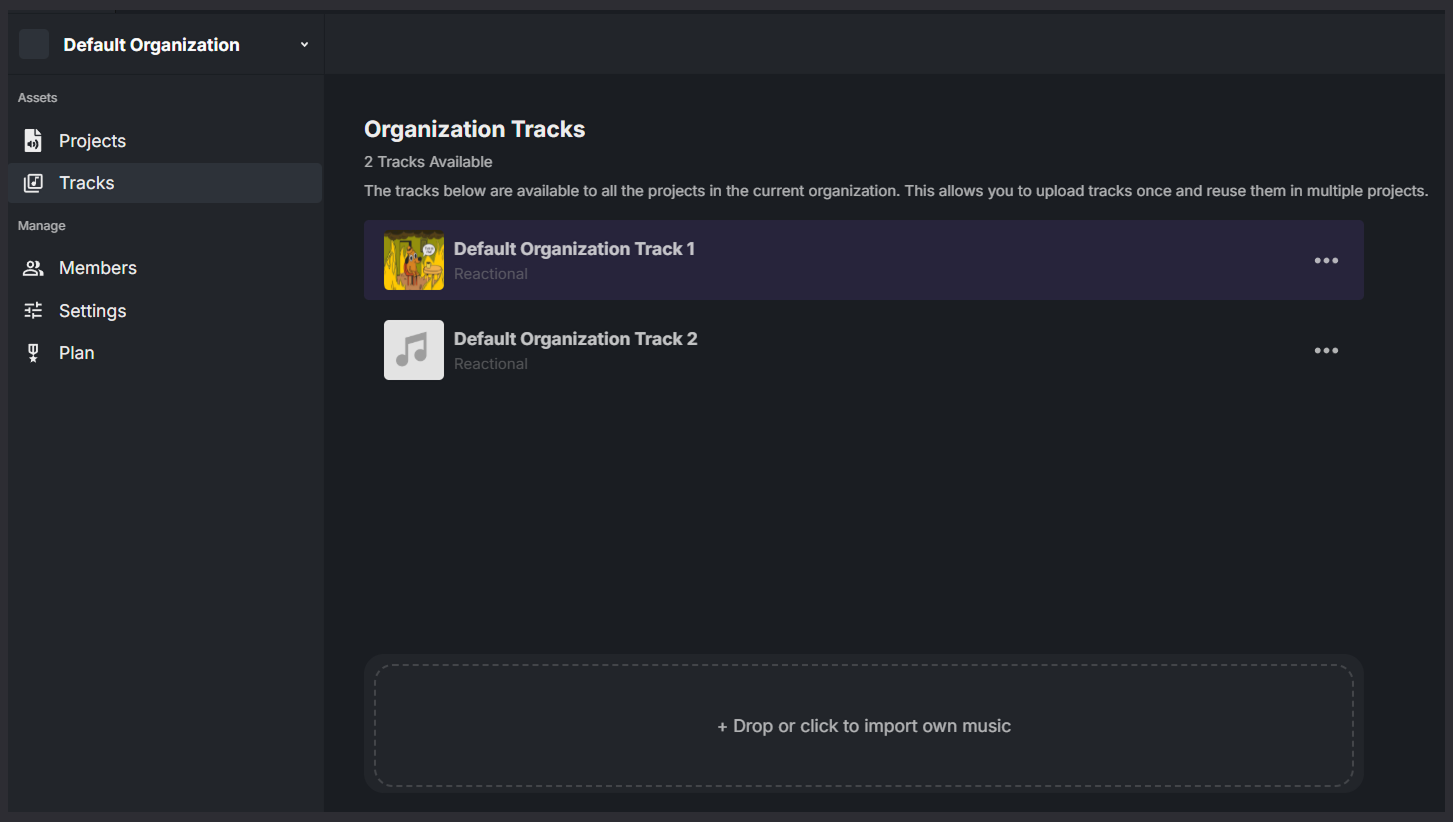
The Organization Tracks page shows all tracks that belong to your organization.
Tracks added here are shared across all projects within the organization. This allows you to upload a track once and reuse it in multiple projects without duplicating files.
Available Tracks
Each track listed on this page is:
- Owned by the organization
- Available to all child projects in the organization
- Managed centrally from this page
Any project created under the organization can access and use these tracks automatically.
Uploading Tracks
You can add new tracks to the organization by dragging and dropping audio files into the upload area, or by clicking it to select files from your computer.
Reactional currently supports the following audio formats:
- WAV
- OGG
Once uploaded:
- The track becomes part of the organization’s shared library
- All current and future projects in the organization can use it
You can find organization tracks here in any of the projects