Organization Projects
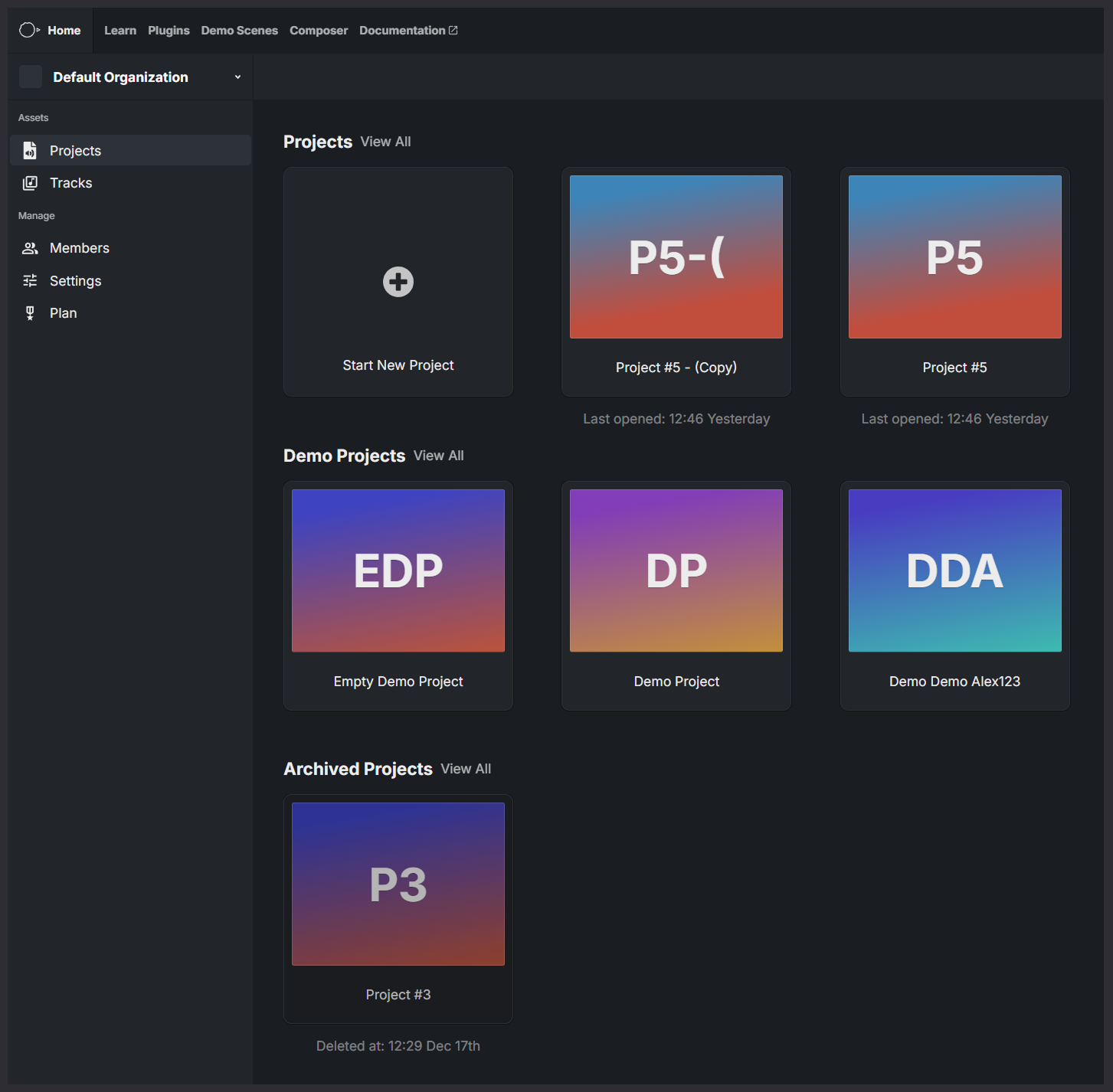
The Projects page is the main start page where you choose which project to open and work on.
Projects are grouped into sections to help you quickly find what you’re looking for.
Organization Projects
This section shows all active projects that belong to the currently selected organization.
From here you can:
- Open a project by clicking it
- Create a new project using Start New Project
- Duplicate an existing project by opening its context menu (right click)
Duplicating a project creates a copy within the same organization, including its configuration and settings.
Demo Projects
Demo Projects are example projects created by Reactional.
They are designed to:
- Showcase different features and use cases
- Let you preview setups and configurations
- Serve as a starting point for experimentation
Demo projects can be opened and explored, but are separate from your organization’s projects.
Archived Projects
Archived Projects contains projects that have been archived.
Archived projects are not active, but are kept for reference or recovery. From this section you can:
Restore a project to make it active again
Permanently delete a project if it’s no longer needed
Navigation
Use the organization selector in the top-left to switch between organizations or Direct Projects. The project list will update based on your current selection.